


This guide shows how to change the processor board and panel on Acetec dehumidifiers with PDC panel used by Älvsbyhus.
Replacement of processor board and panel in case of com. alarm.
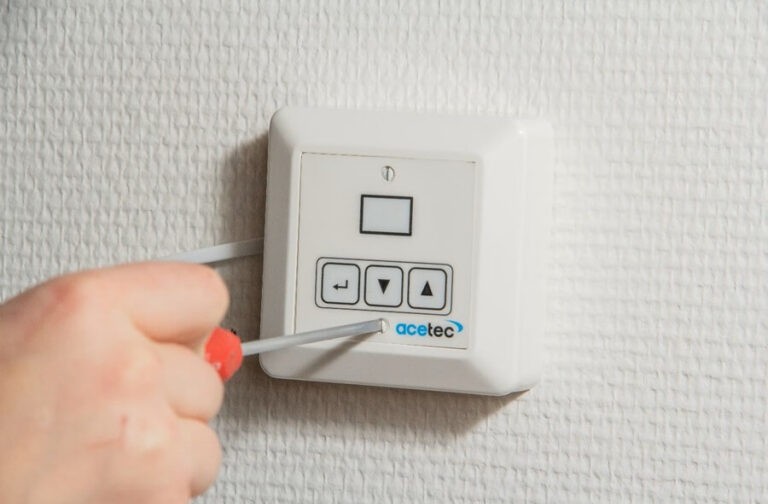
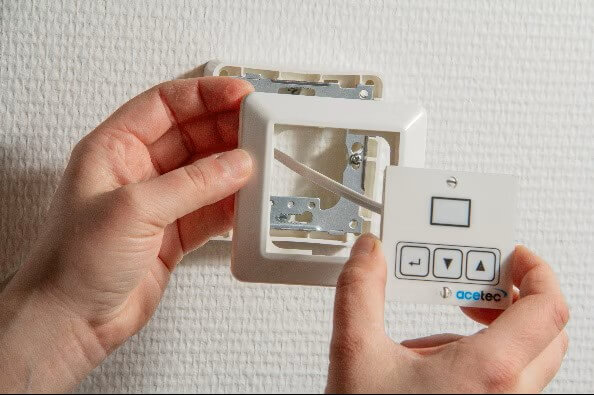
Switch off the power to the dehumidifier. Use a suitable screwdriver to unscrew the screws and detach the panel from the wall.
The rear frame will come off at the same time as the inner one. Leave it hanging on the modular cable.
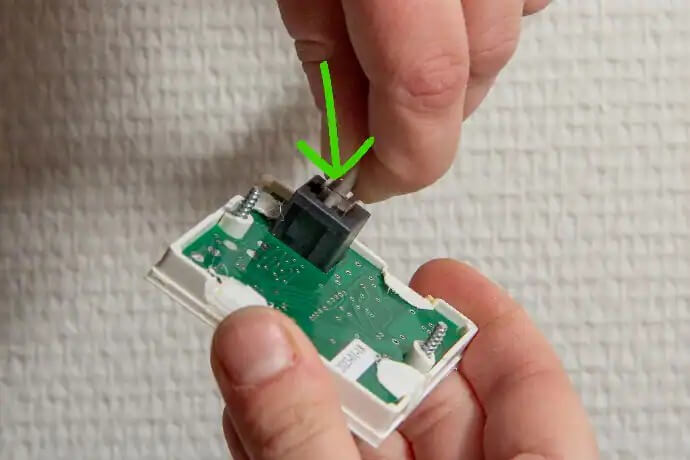
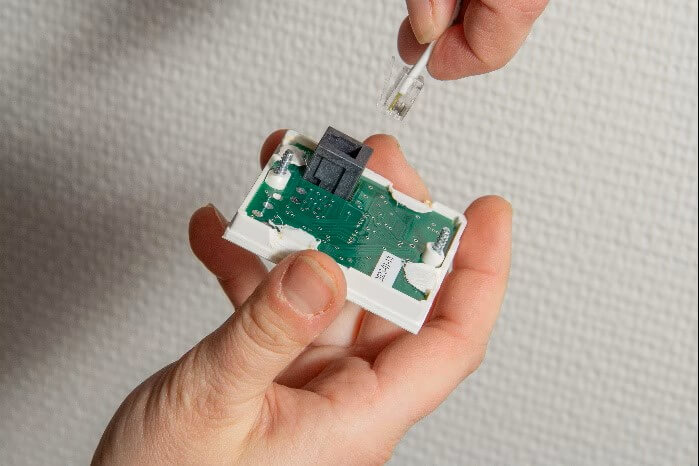
Push in the small plastic flap and release the cable.
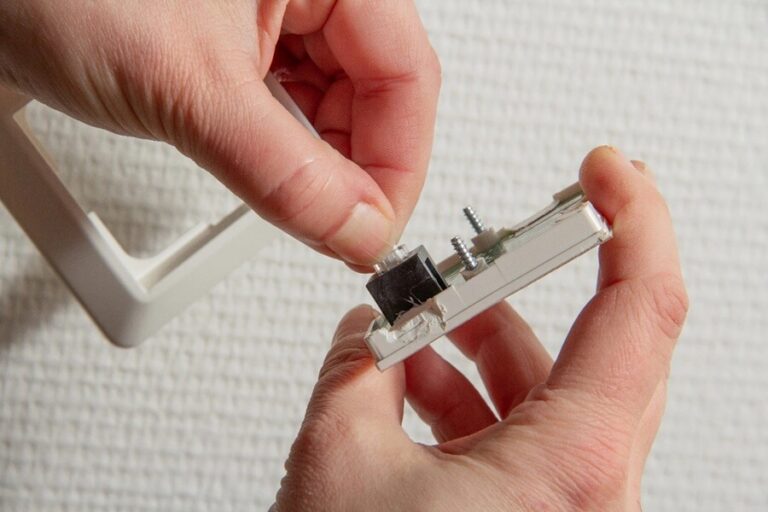
Click on the new panel.
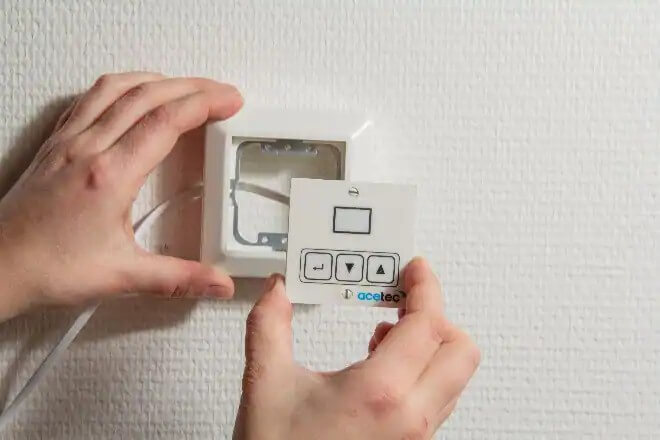
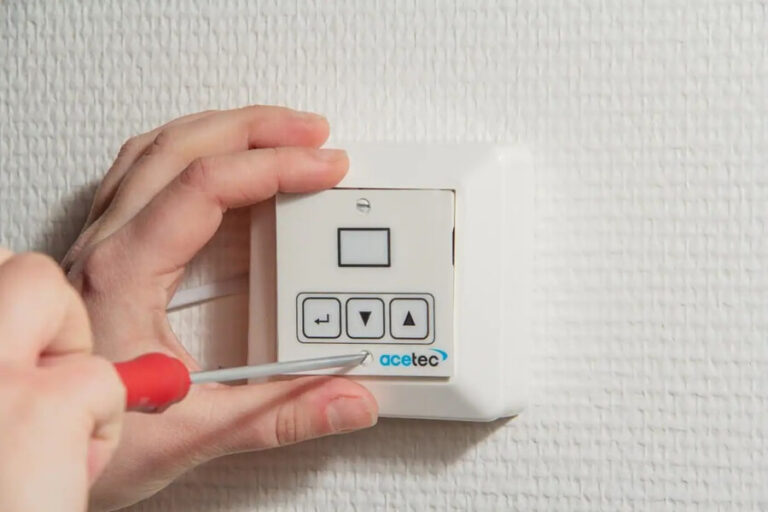
Fix the panel to the wall again.
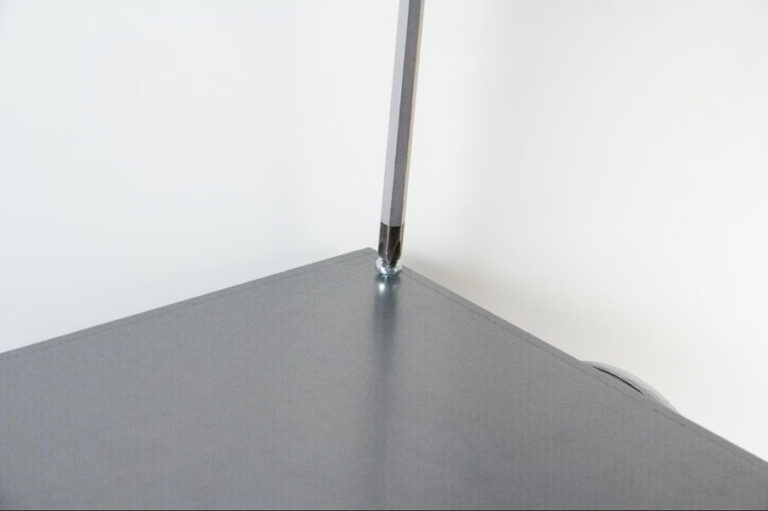
Loosen two screws on the dehumidifier cover with a suitable chisel.
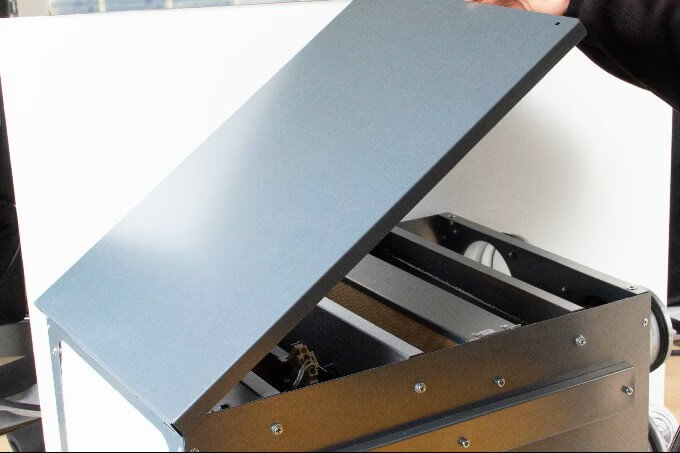
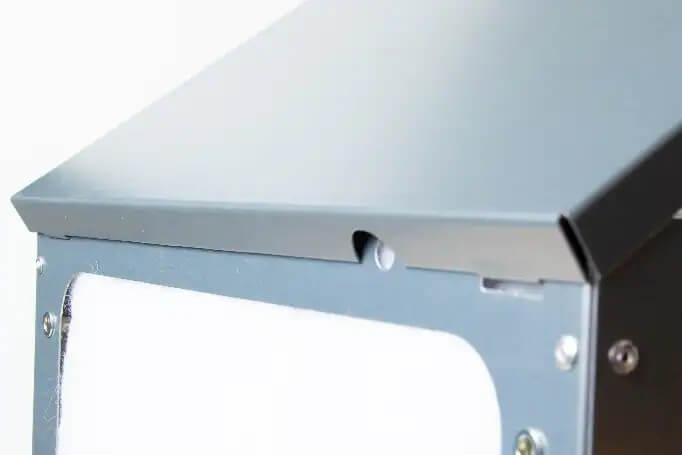
Remove the cover. First lift the side where the screws were. Then unhook the other short side of the lid.
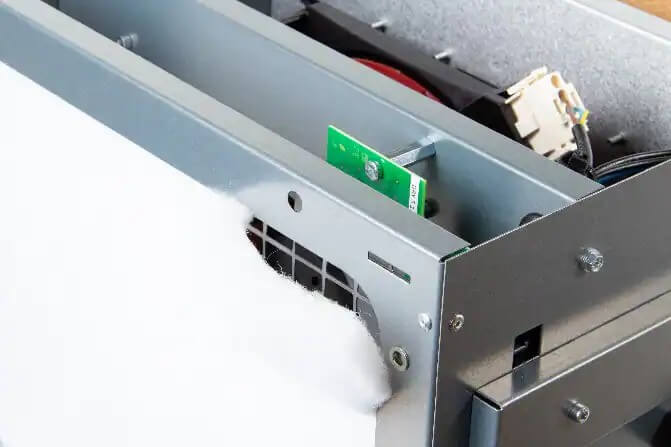
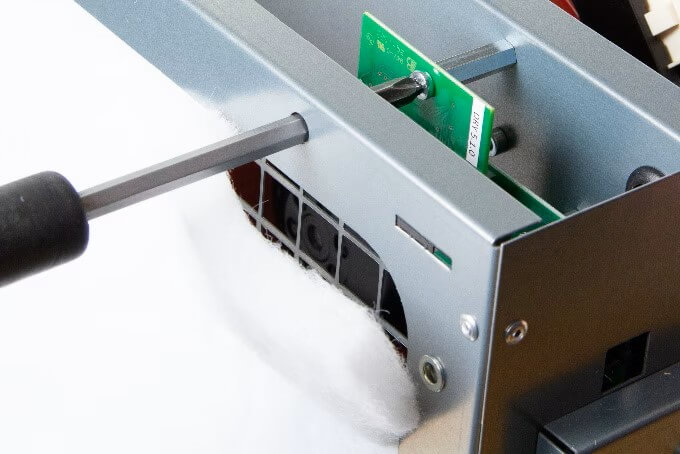
Loosen the corner of the filter so that the hole for the screwdriver is free.
Unscrew the screw holding the card in place.
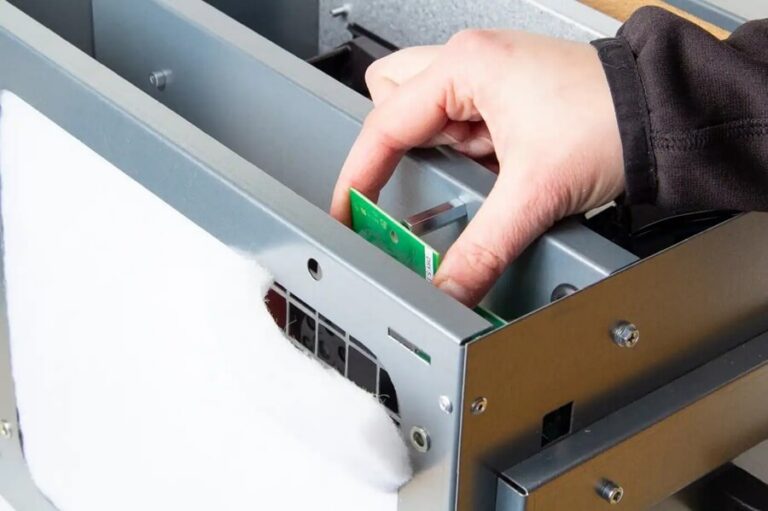
Gently loosen the card.
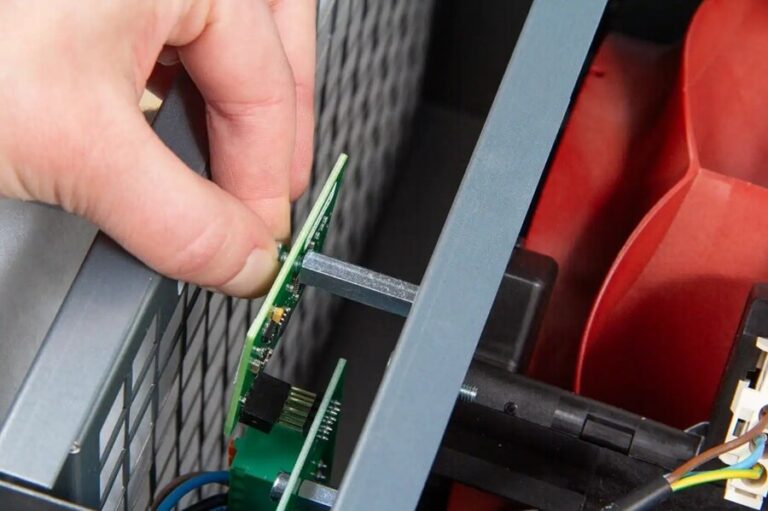
Fit the new card. First fix the screw a little loosely. Important to meet all 8 pins.
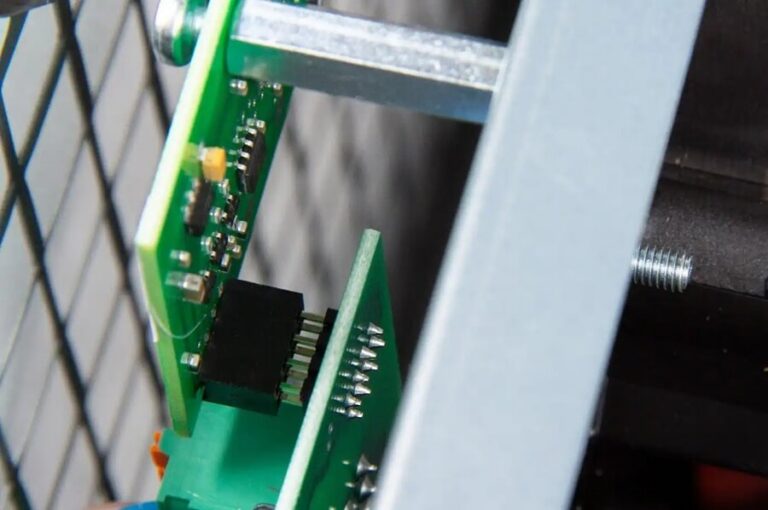
Screw the card in place
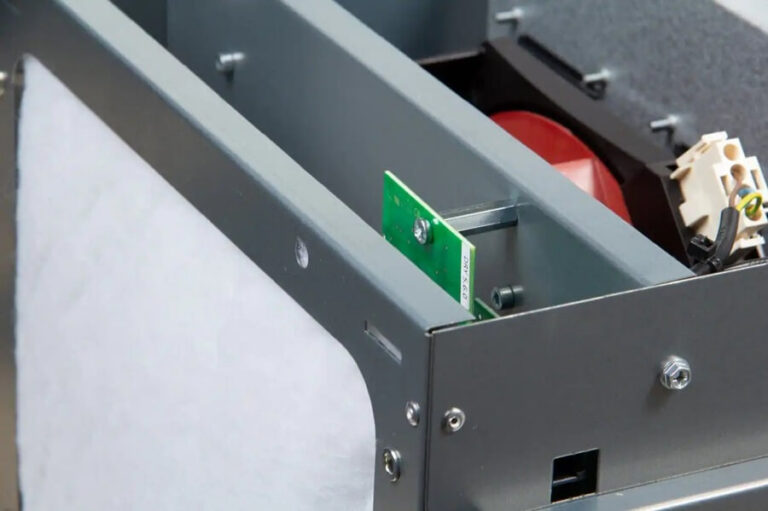
Reinstall the filter.
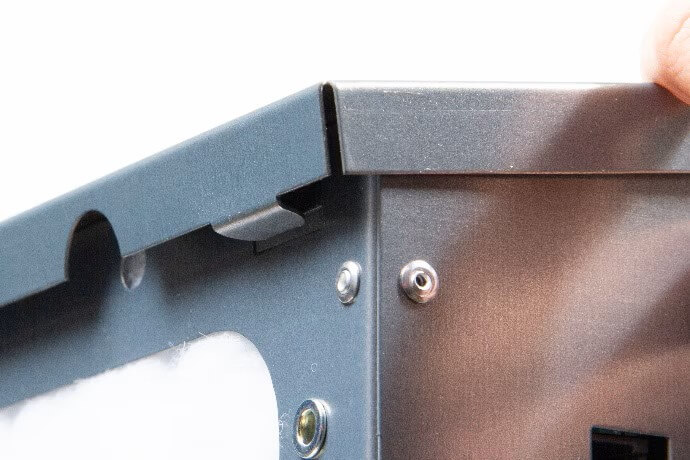
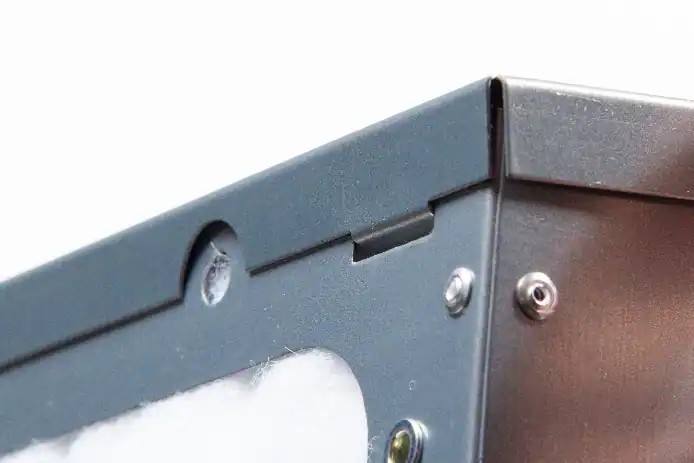
Fit the cover.
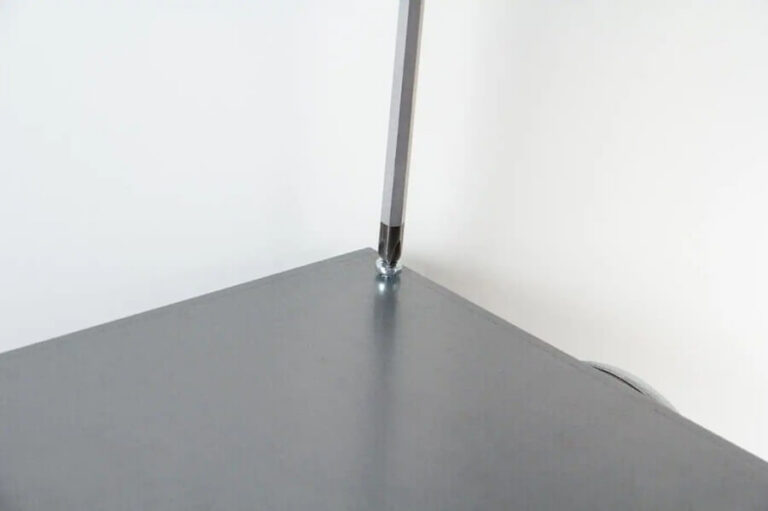
Screw on the cover. Switch on the power, check that the fan is working.