


EvoControl Ventilation – MPO1 Display
Models: A30T, A50CS, A60T, A70T
 English (UK)
Select the “Menu” line and press Enter.
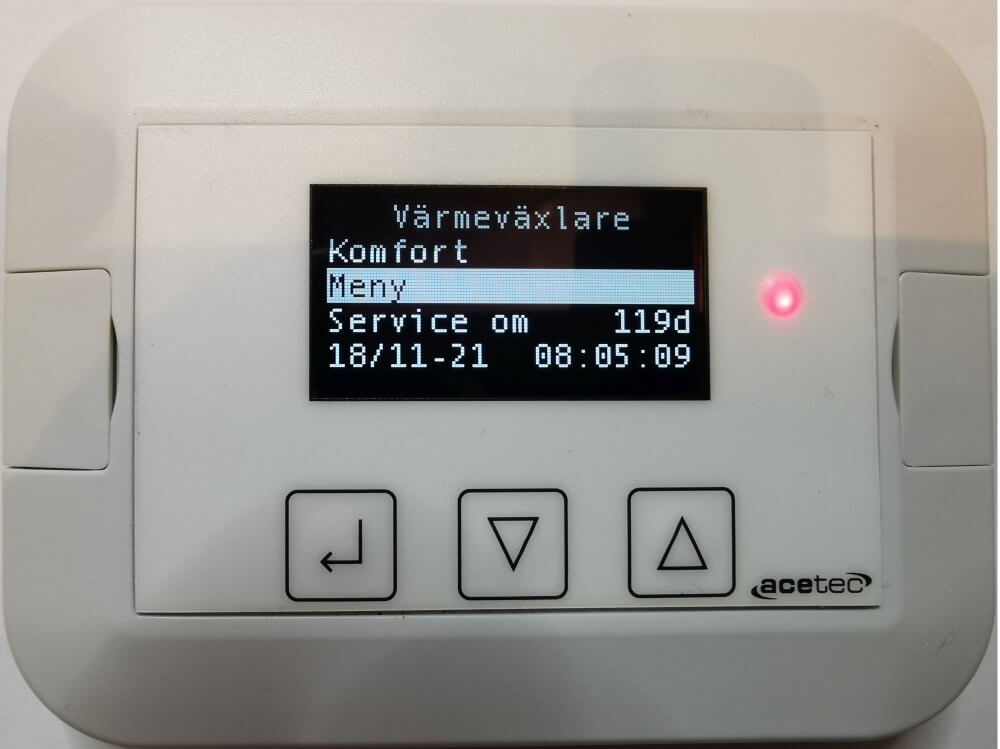
Select the line “Alarms” and press Enter.

This menu allows you to view the alarm history, acknowledge and clear the alarm history.

Select a line in the alarm list and press Enter.

This shows the time of the alarm and when it was acknowledged.