


EvoControl Ventilation – MPO1 Display
Models: A30T, A50CS, A60T, A70T
 English (UK)
At the set time, the set operating mode is activated. The unit runs in the current operating mode until the next programmed time.
The current operating mode is indicated by “Time” in front of the operating mode when the unit is controlled by the timer operating mode.

The timer can be temporarily overridden manually or via external inputs. At the next programming time, the unit assumes the set operating mode according to the timer.
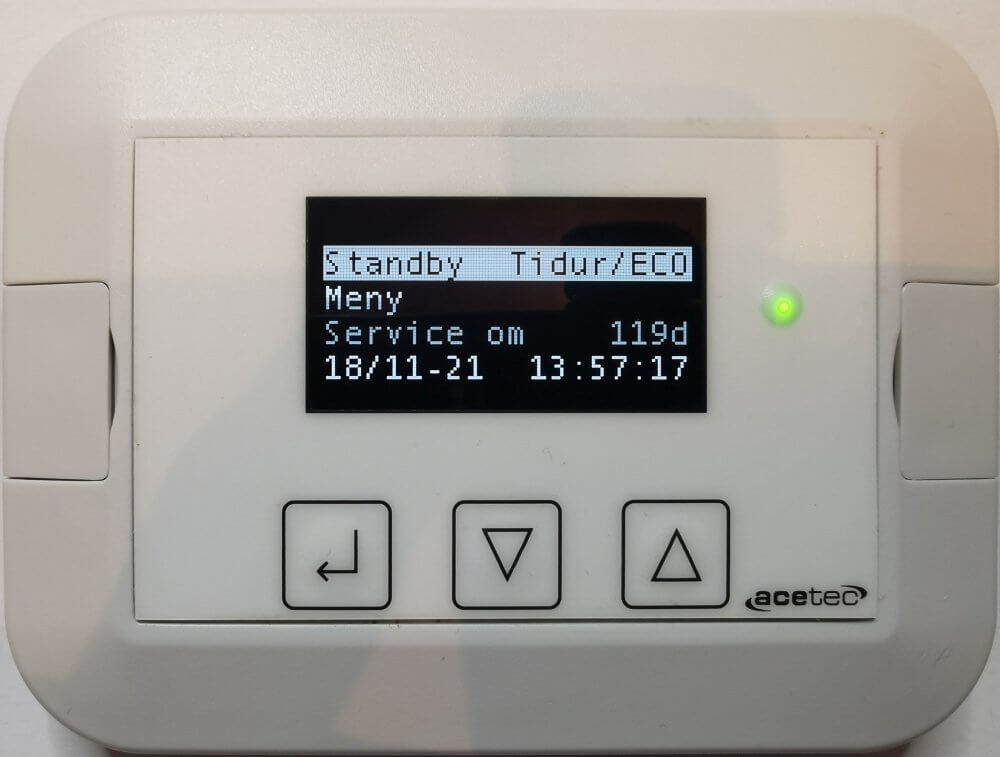
To manually return to the time function:
Highlight the line “Operating mode” and press Enter.
Scroll down to the “Clock” row and press Enter.

Pressures Enter and first select “Off” and press Enter.

Repeat the above procedure but now select “On” and press Enter.