


EvoControl Ventilation – MPO1 Display
Models: A30T, A50CS, A60T, A70T
 English (UK)
This quick guide applies to standard units without accessories!
Keep in mind that some accessories also need to be activated in settings!
To change the operating mode, select the row and press Enter.
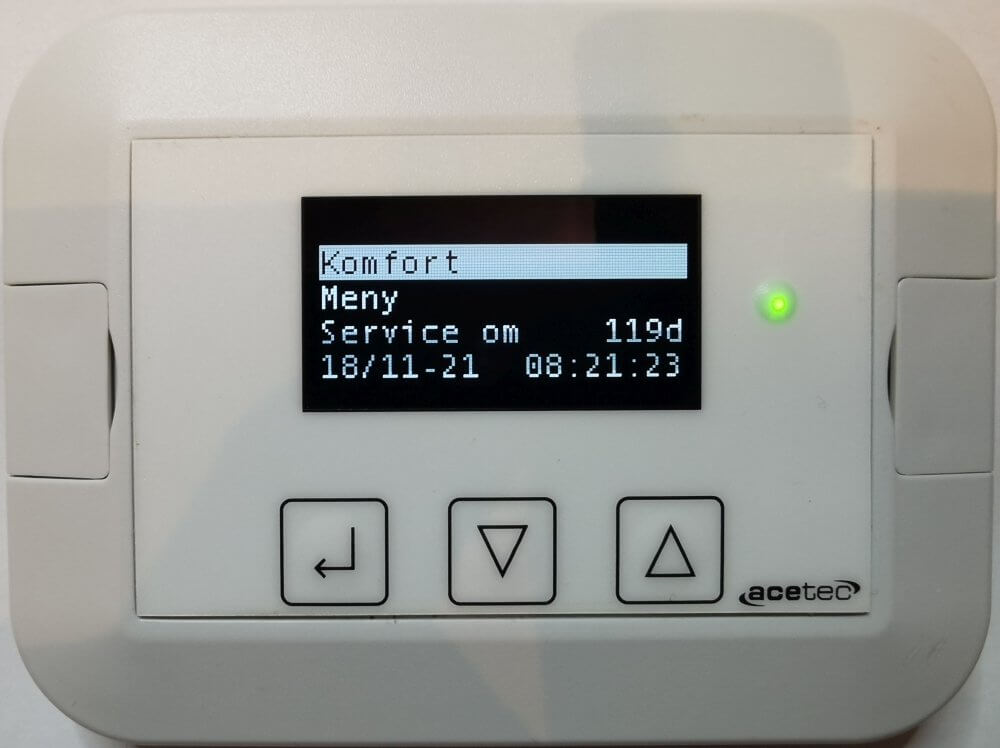
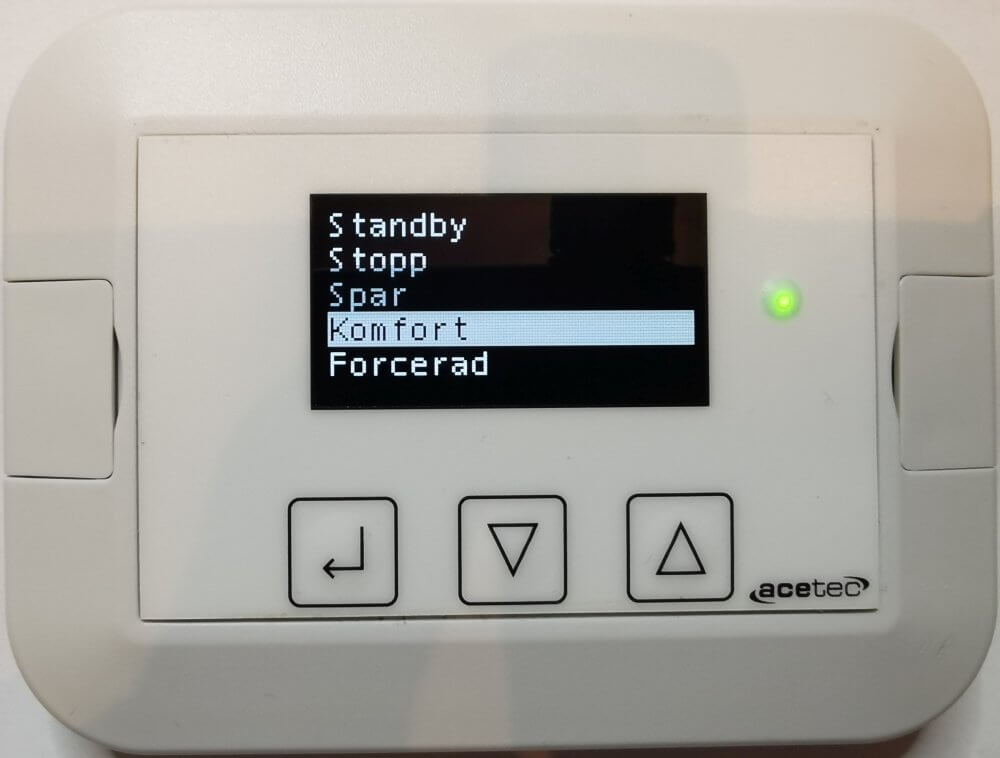
Select new operating mode with Up and Down Arrows and confirm with Enter.
Select “Menu” and press Enter.
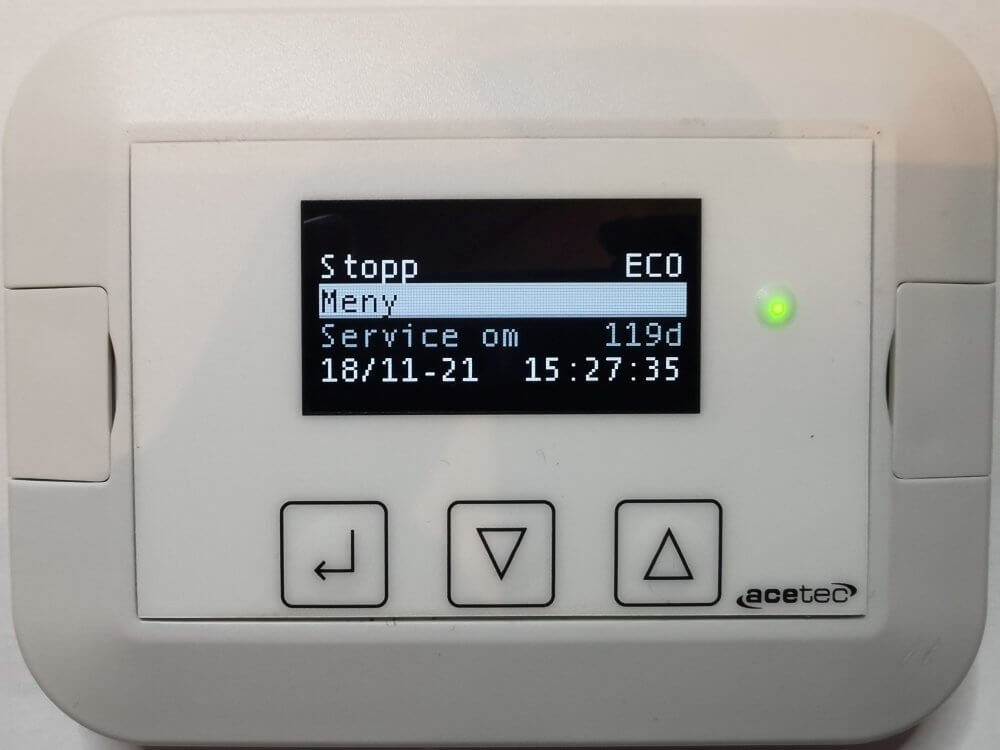
Scroll down to “Settings” and press Enter.

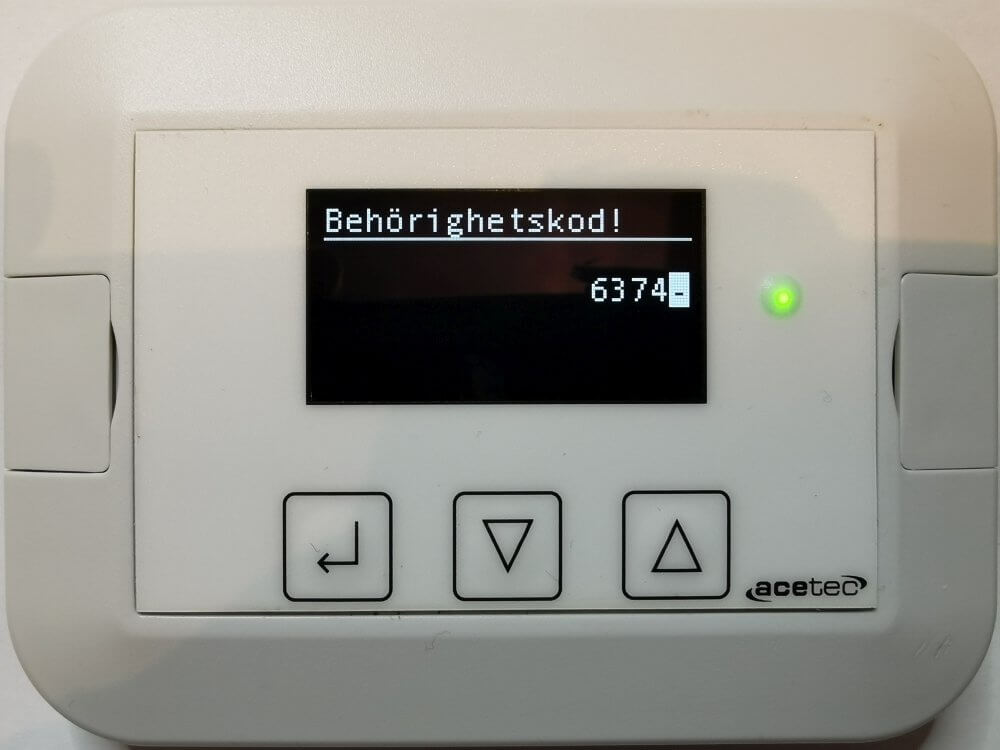
Enter authorisation code 6374 (8990 for advanced) and press Enter.
Enter one digit at a time; this is done by Arrow up and Down arrow and confirmed by Enter.
Confirm the code you have entered by pressing Enter when “-” is selected.
Select “Fan” and press Enter.
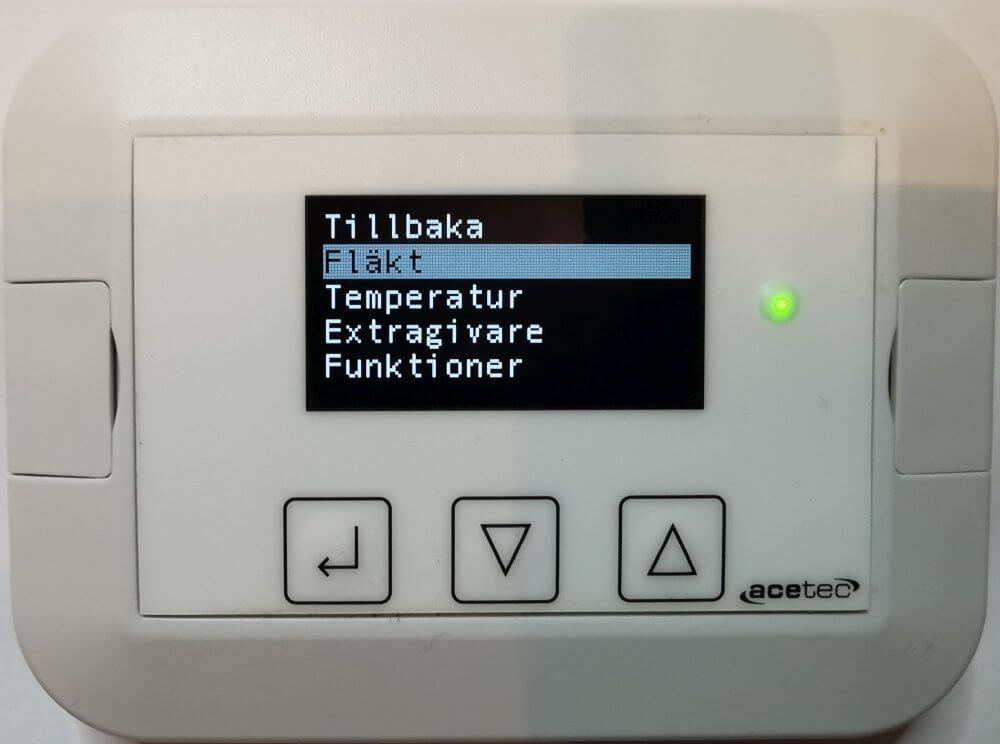
Select the flow you want to adjust and press Enter.

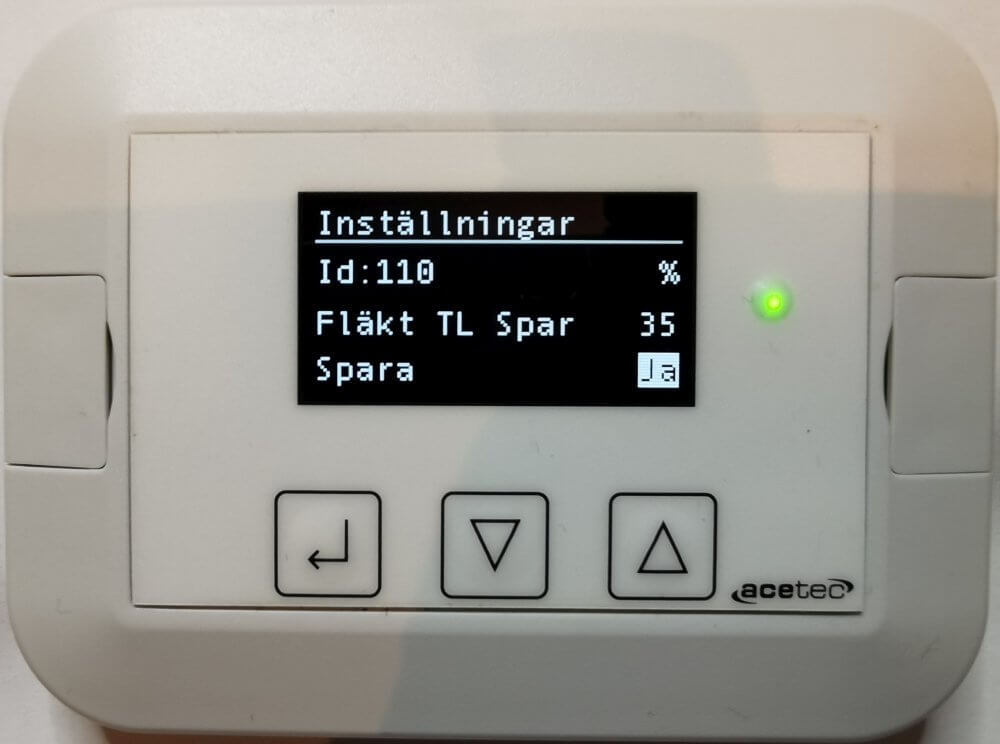
Increase or decrease the value by Arrow up or Down arrow and then press Enter.
Confirm by selecting “Save = Yes” and press Enter.
A70T with cooker hood, parameter 470 “Priority order” under “Functions” may need to be changed!
A70T with cooker hood 251, “Last input” should be selected.
A70T with cooker hood 392 “Prio” should be selected.
A70T with Monolit cooker hood “Prio” should be selected.