


Update EvoControl
Models: Unit with EvoControl
 English (UK)
The instructions below apply to all units fitted with EvoControl.
Disconnect the unit from the mains.
Open the unit and locate the circuit board.
Plug the USB stick into the USB socket.
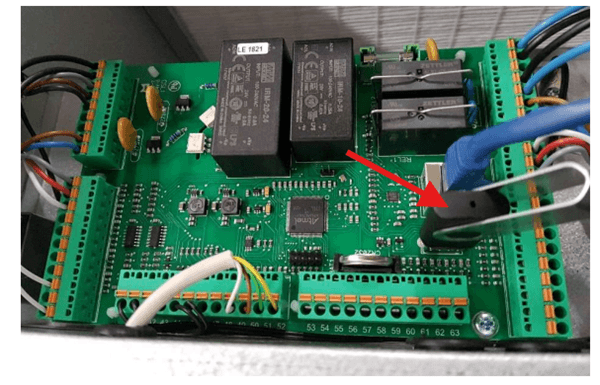
Reconnect the power supply to the unit.
Please wait about 1 minute whilst the main board is being updated.
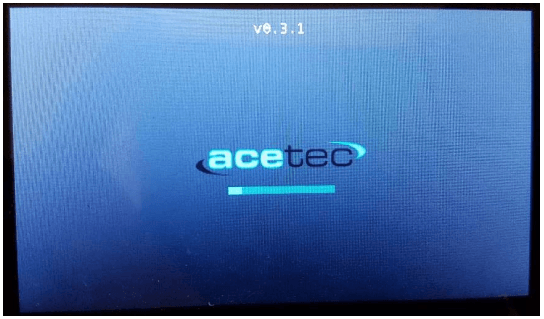
If the display also needs new software, this is done automatically from the motherboard and a progress bar is displayed during the process (approx. 4 minutes).
Remove the USB stick.
Screw the covers back on and close the unit.