


EvoDry EDC 1.0 Dehumidifier – MPO
Models: PD, PDX, PD+, 6-24P, RCF 12-20 G1
 English (UK)
Your new dehumidifier is preset with factory values and normally no parameters need to be changed.
Setting a new value:
Scroll down to “Menu” 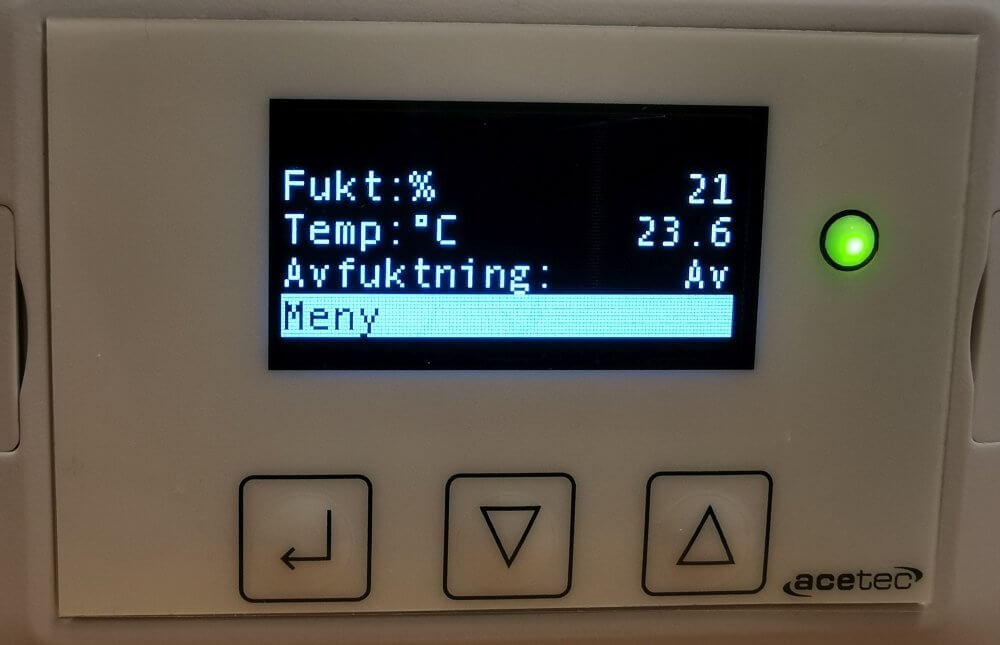 with
with  in the display menu and press
Scroll down to “Settings” 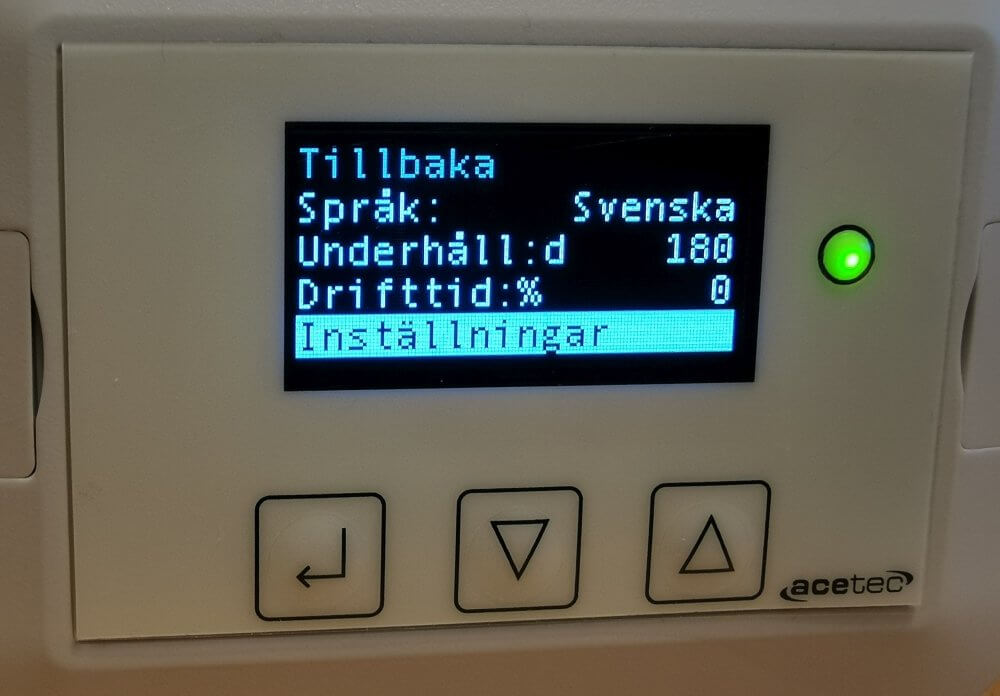 with and pressure
Step down and up with and  till önskad inställning.
Om t.ex. ändring av fuktinställning ska göras, ställ dig på raden  and pressure
Change to the desired value with and ,  and pressure
Confirm by selecting “Yes” 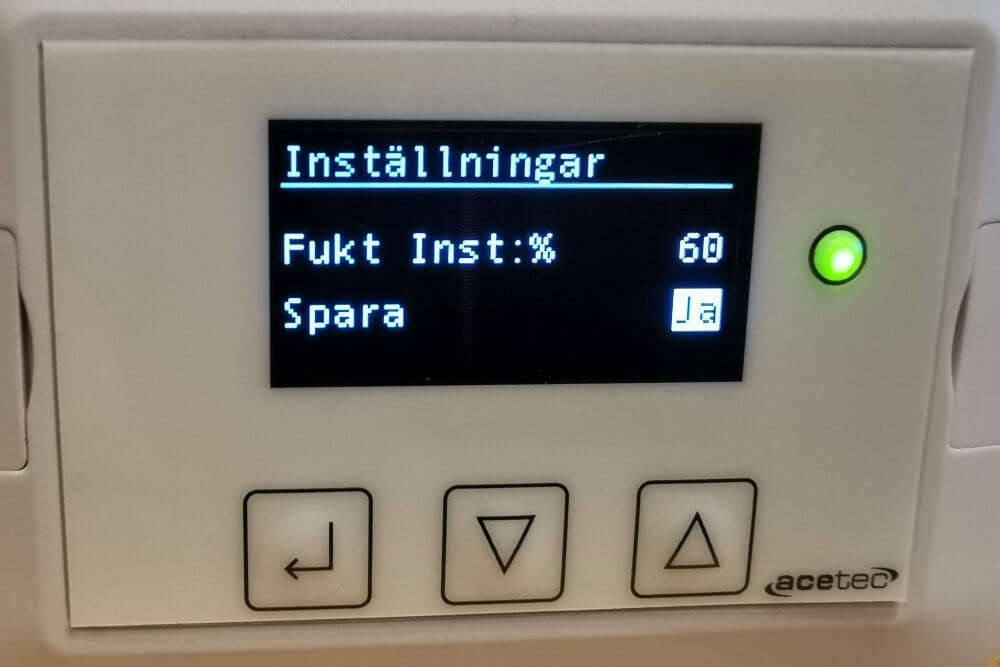 and pressure
Select the next parameter to change or step back by selecting the back row 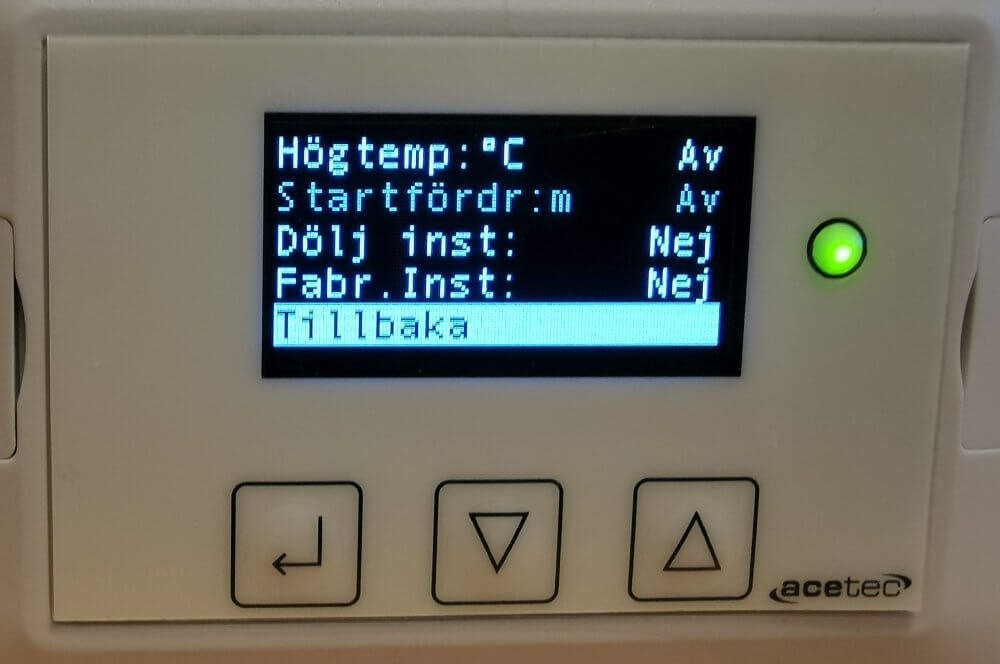 and press
The dehumidifier automatically returns to display mode after 5 minutes since the last button press.