


EvoControl Ventilation Touch Display
Models: A100 G3, A110T G3-G4, A170T G2, A200S, A230T, A250S, A390T, A400S, A590T, A600S/T, A900ST G3, A1, A2, M1, M2, R20, R25, R40, R50, R70
 English (UK)
NB:
This quick guide applies to standard units without accessories.
Keep in mind that some accessories also need to be activated in settings!
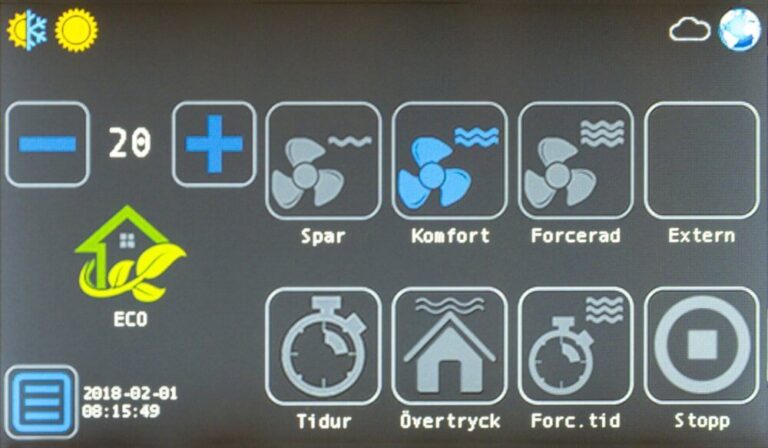
Press the button Menu: 
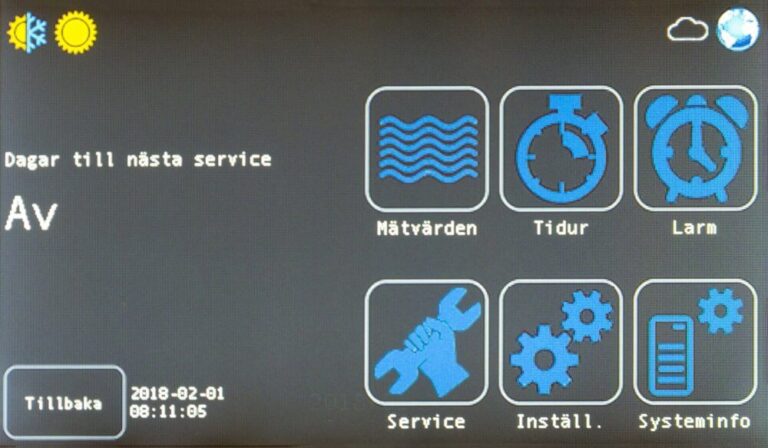
Press the button settings: 
Enter authorisation code 6374 (or 8990 for advanced) and press Enter.

Press the button fan: 


*Parameter 100 is only changed on top connected units and A600S/T and A900S/T.
See also leaflet when changing from right to left version for top connected units, default övre.
For A70T with cooker hood parameter 470 “Prioritisation” under the button  need to be changed! A70T with cooker hood 251, “Last input” should be selected. A70T with cooker hood 392 “Prio” should be selected. A70T with Monolit cooker hood “Prio” should be selected.