EvoControl Ventilation – Light – MPO
Models: A30T G3 Light, A60T G2 Light
 English (UK)
Select the “Menu” line and press Enter.

Select the line “Alarms” and press Enter.

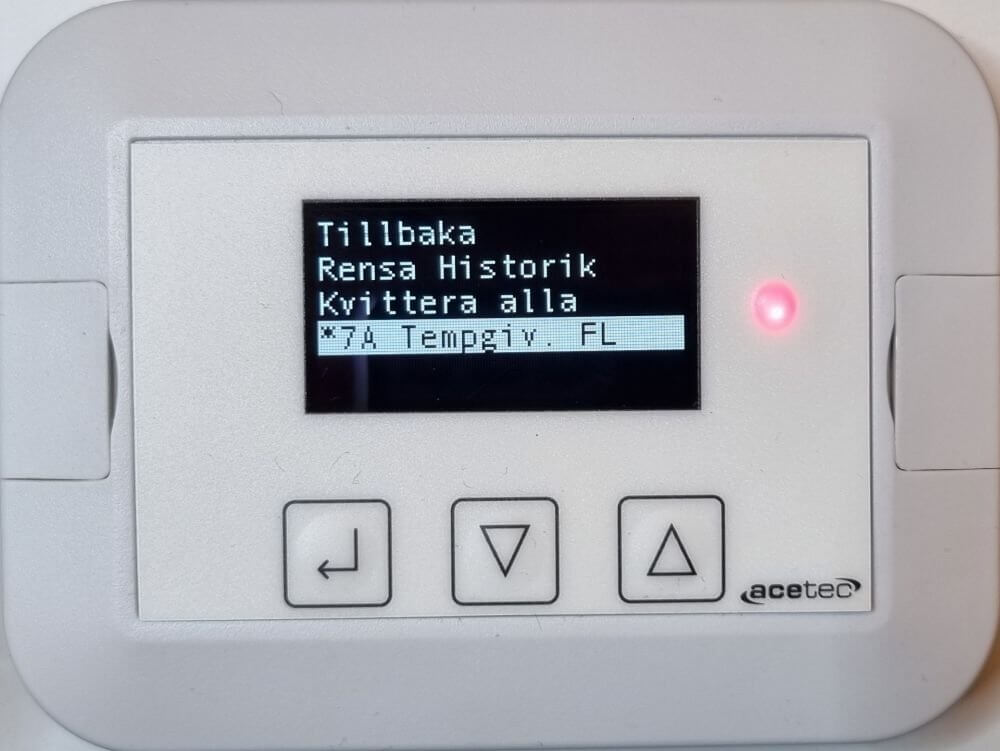
Here you can view all alarms, acknowledge alarms and clear alarm history.
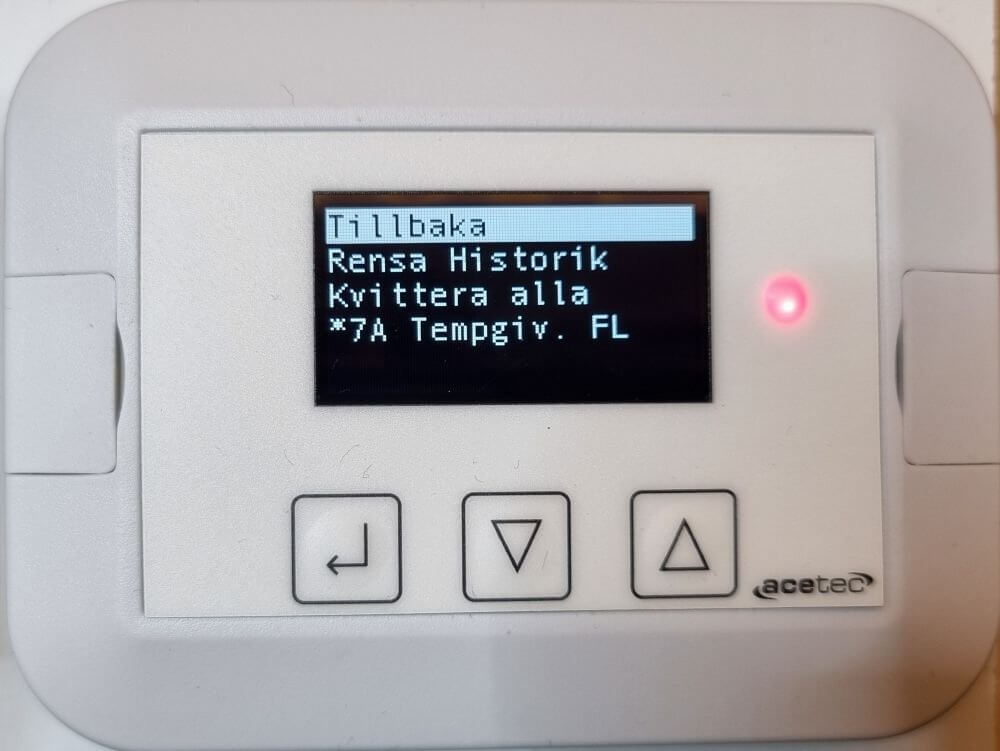
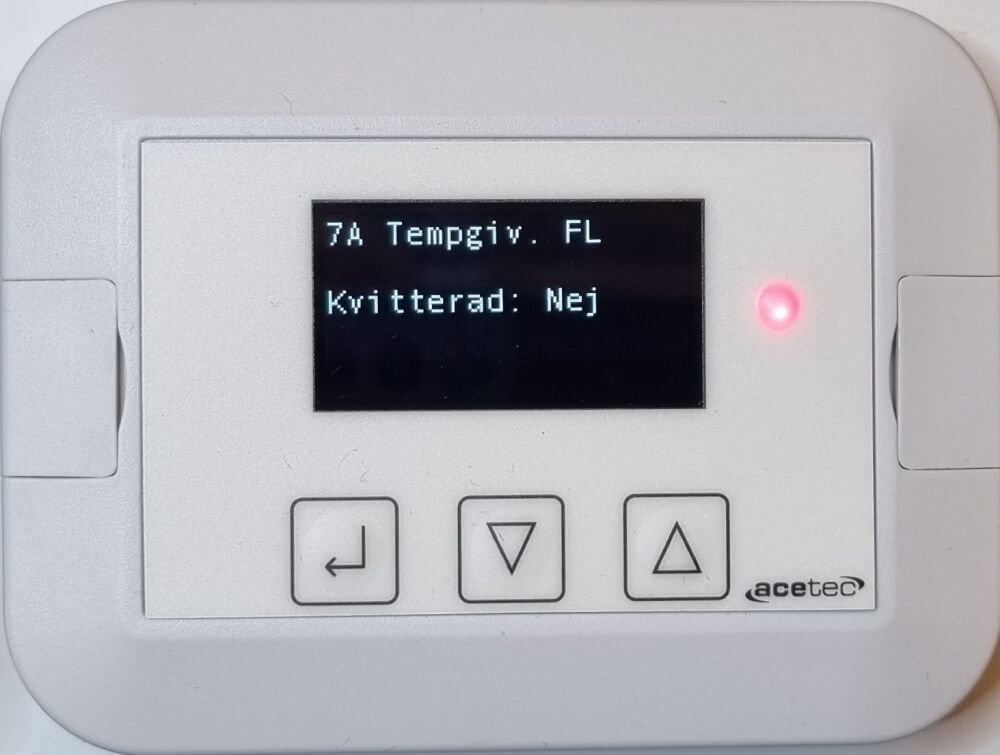
Select a line in the alarm list and press Enter.