


EvoControl EvoDry RD
Models: EvoDry RD EC
 English (UK)
This quick guide applies to standard units without accessories!
Keep in mind that some accessories also need to be activated in settings!
Press the menu button 

Press the settings button 

Enter authorisation code 6374 (8990 for advanced) and press Enter.

Press the Humidity button 

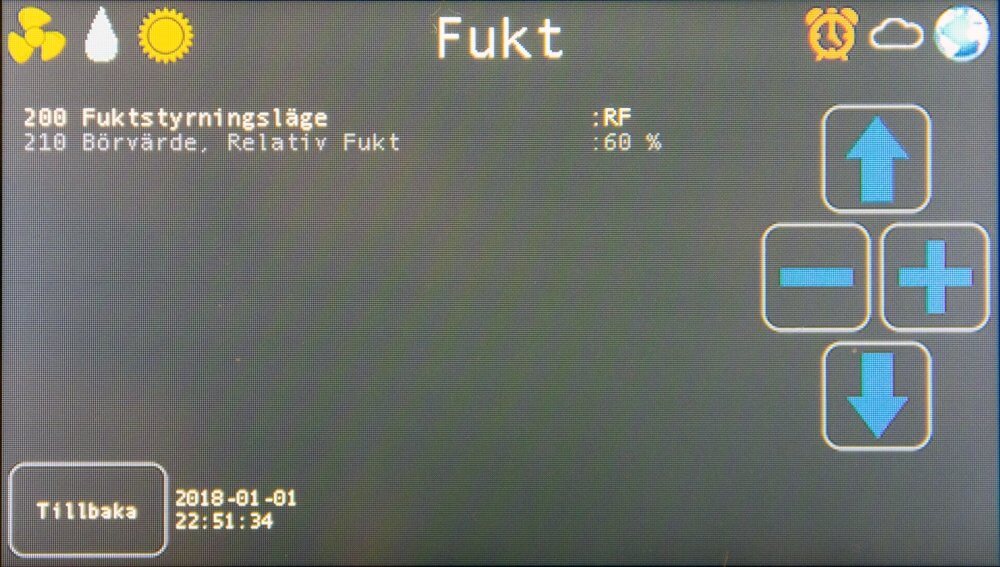
Pressures 

Select power mode: low, medium, high, auto.
